Study Modes
3D Anatomy
Interactive 3D anatomical models that let you rotate, zoom and isolate structures - replacing the need for a physical anatomy atlas.
- interactive anatomy
- 3D
- subjects
- 19
- study modes
- 15
The study problem this solves
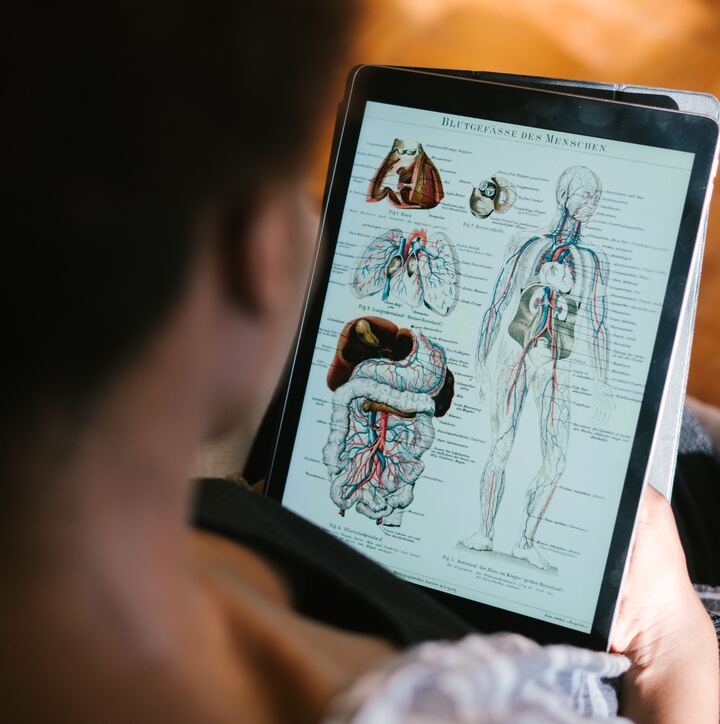
Flat diagrams can hide depth, rotation and the relationships between neighbouring structures. Students may remember a labelled plate yet lose orientation when the view changes in dissection, imaging or an examination.
How it works in a real study session
Open a model, rotate it to the view you are trying to understand, and isolate systems or structures to reduce visual noise. Use labels as a check after you have tried to identify the anatomy yourself. Then return to the chapter or a cross-sectional image to connect spatial understanding with terminology and clinical relevance.
When students use it
Before dissection
Preview the region and rehearse what should appear superficial, deep, medial and lateral.
After a confusing diagram
Change the viewing angle and isolate structures until the relationship becomes visible.
Radiology correlation
Compare the model with cross-sectional views to practise keeping orientation across formats.
What you can do
3D Anatomy
- Full-body 3D model with system isolation
- Rotate, zoom and pan to explore from any angle
- Tap any structure for its name and clinical relevance
- Linked to the chapter teaching that structure
- Cross-sectional views for radiological correlation
- Surface and deep dissection layers
Inside MedNext for this topic
- 411 MedNext-authored chapters
- 80,000+ MCQ bank
- 15 study modes
- Growing visual cheat sheets
Study modes
- Notes
- MCQ
- Audio
- Video
- Visual
- 3D Anatomy
- Trace
- Flashcards
- Mnemonics
- Image Bank
- Clinical
- Microscopy
- Audio QBank
- Cadaver
- Book Match
Try 3D Anatomy on MedNext
Interactive 3D anatomical models that let you rotate, zoom and isolate structures - replacing the need for a physical anatomy atlas.
Start studying